Still
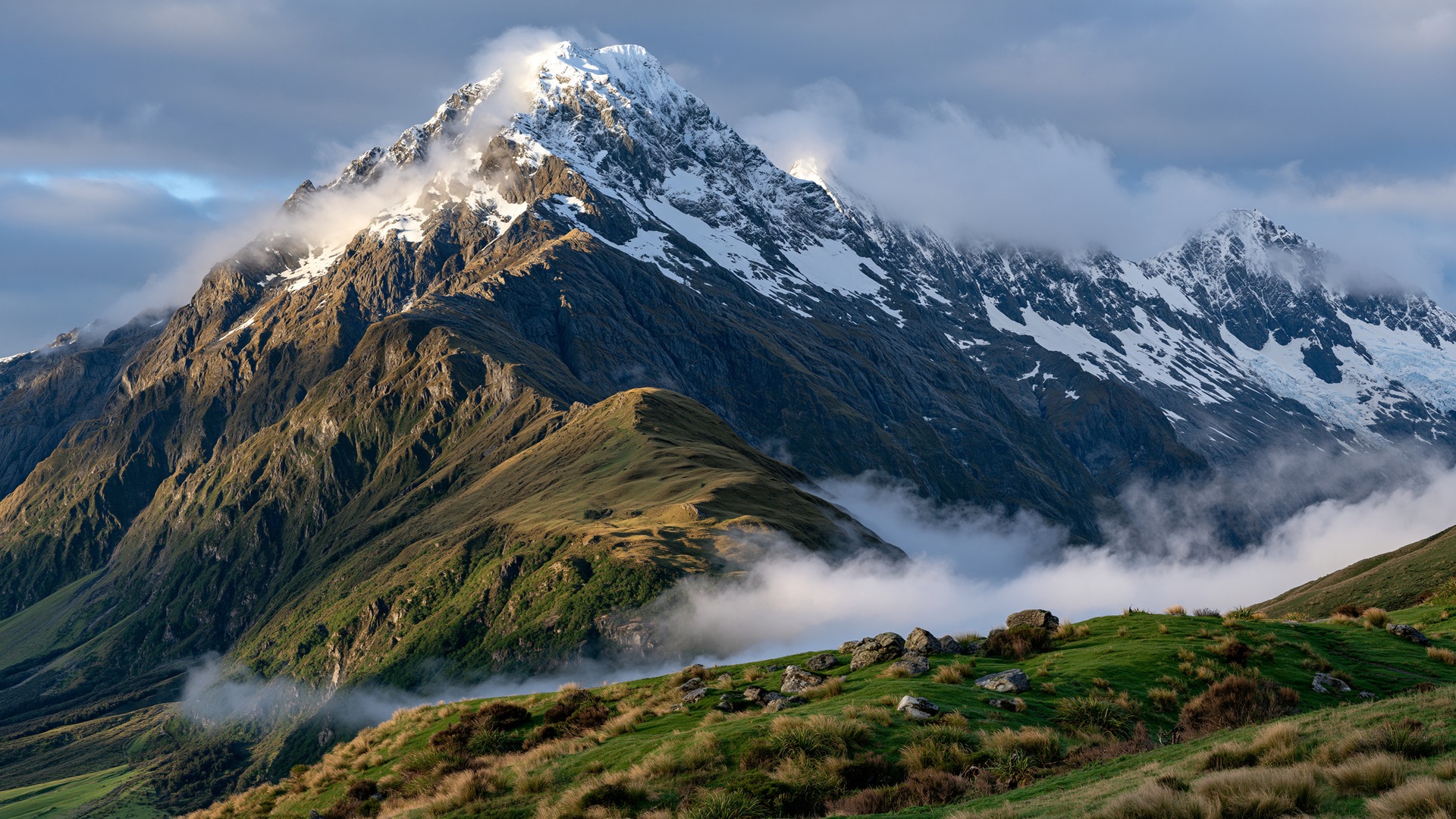
Full-screen photographs, aspect kept, filled or fitted to the panel. Cross-fades between them. No menus while it runs, and no sound.
Screensaver
A quiet window into the natural world — one photograph at a time — filling the television when the room goes still.
On the Roku platform, search for Picture of the Day.
01
Picture of the Day is a calm place for professional photographs of the natural world. Visitors arrive at today’s picture. They can sit with it, walk the gallery, follow a tag, or start a slow full-screen slideshow. There is no account to open and nothing to buy in order to look.
This screensaver brings that same collection to the television. It reads the public feed, prefers the largest still, and holds each photograph on the screen. When the network dips, it keeps showing what it has already saved. The screen does not go blank for a missed connection.
02
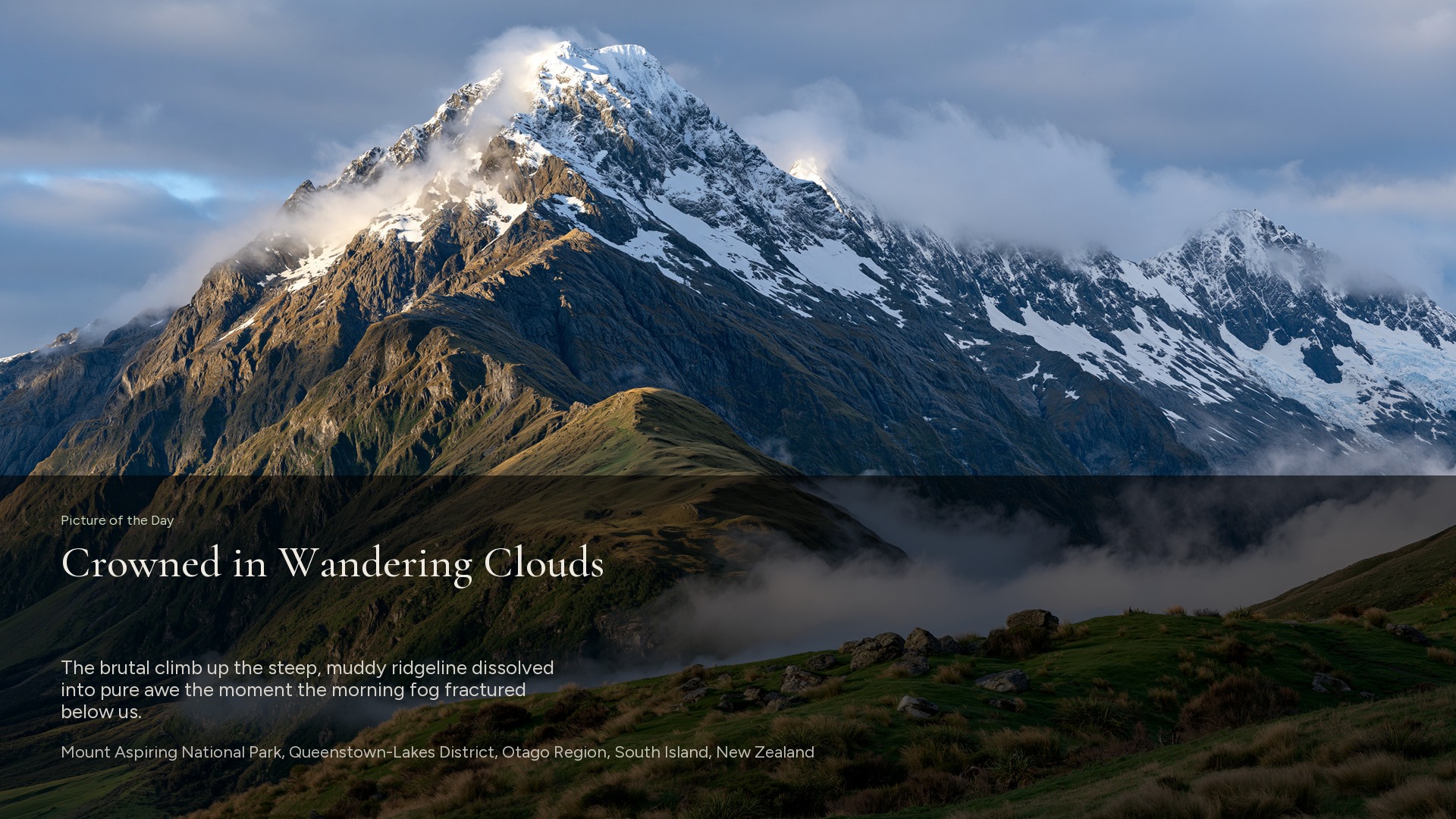
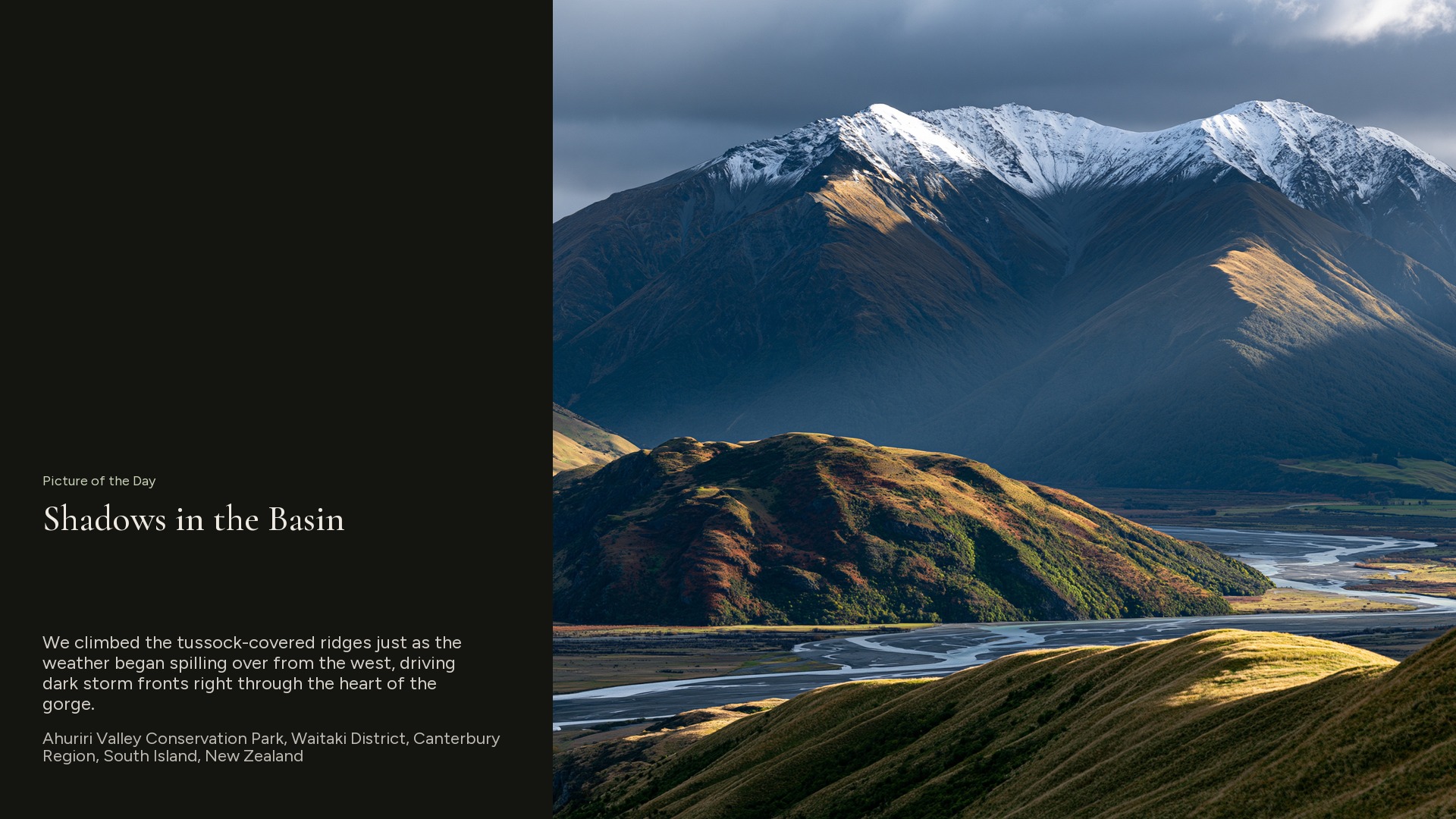
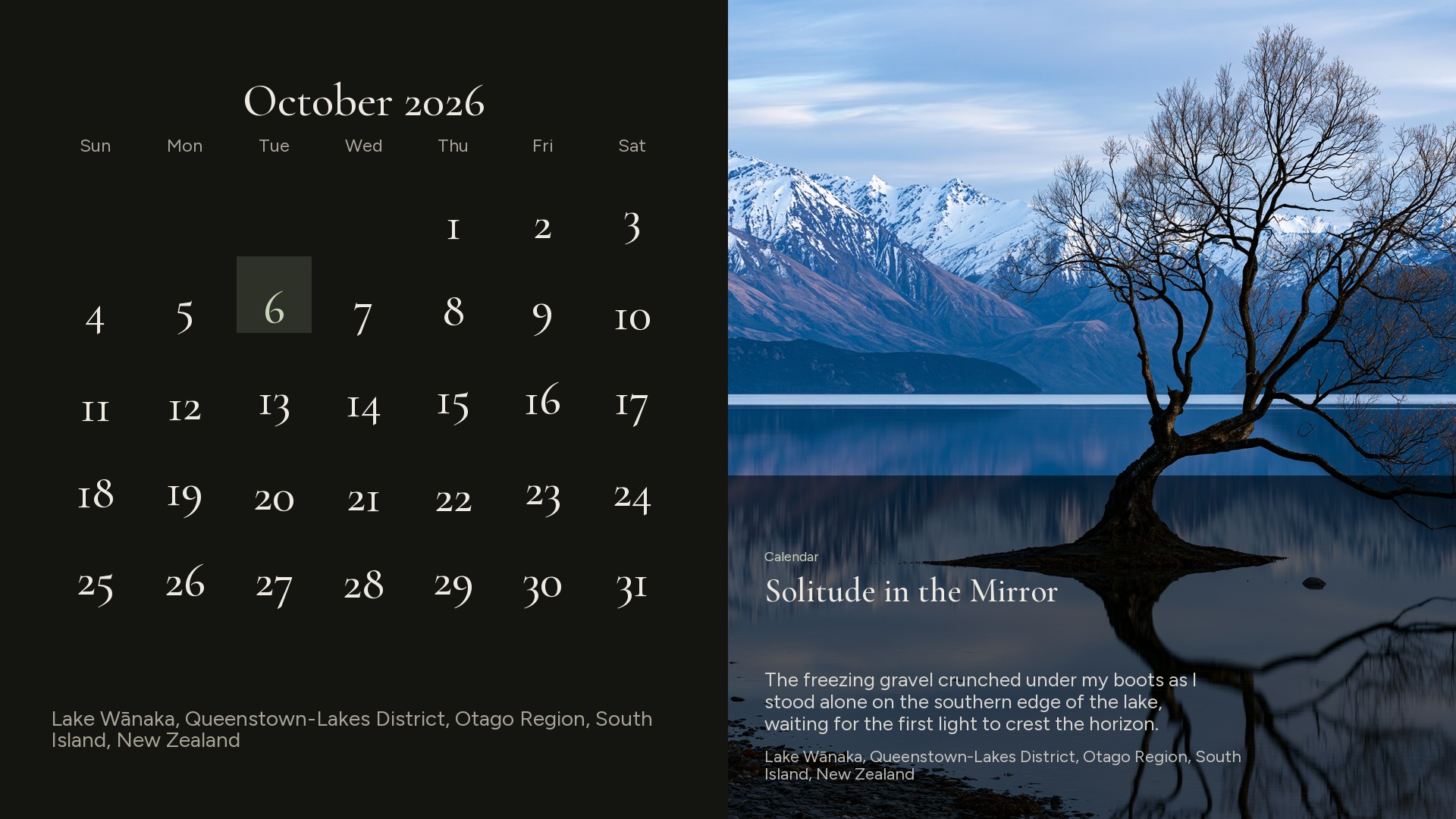
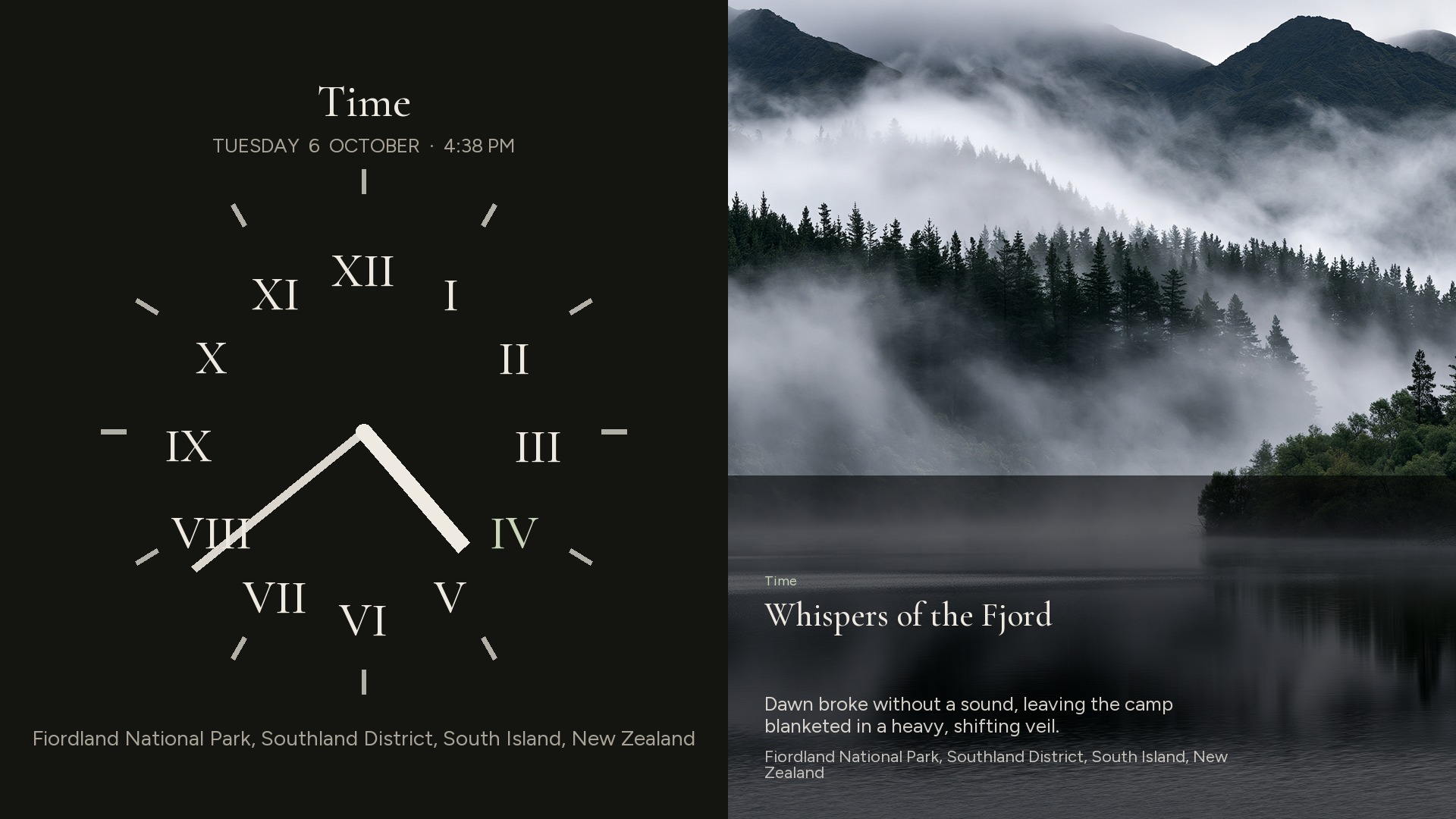
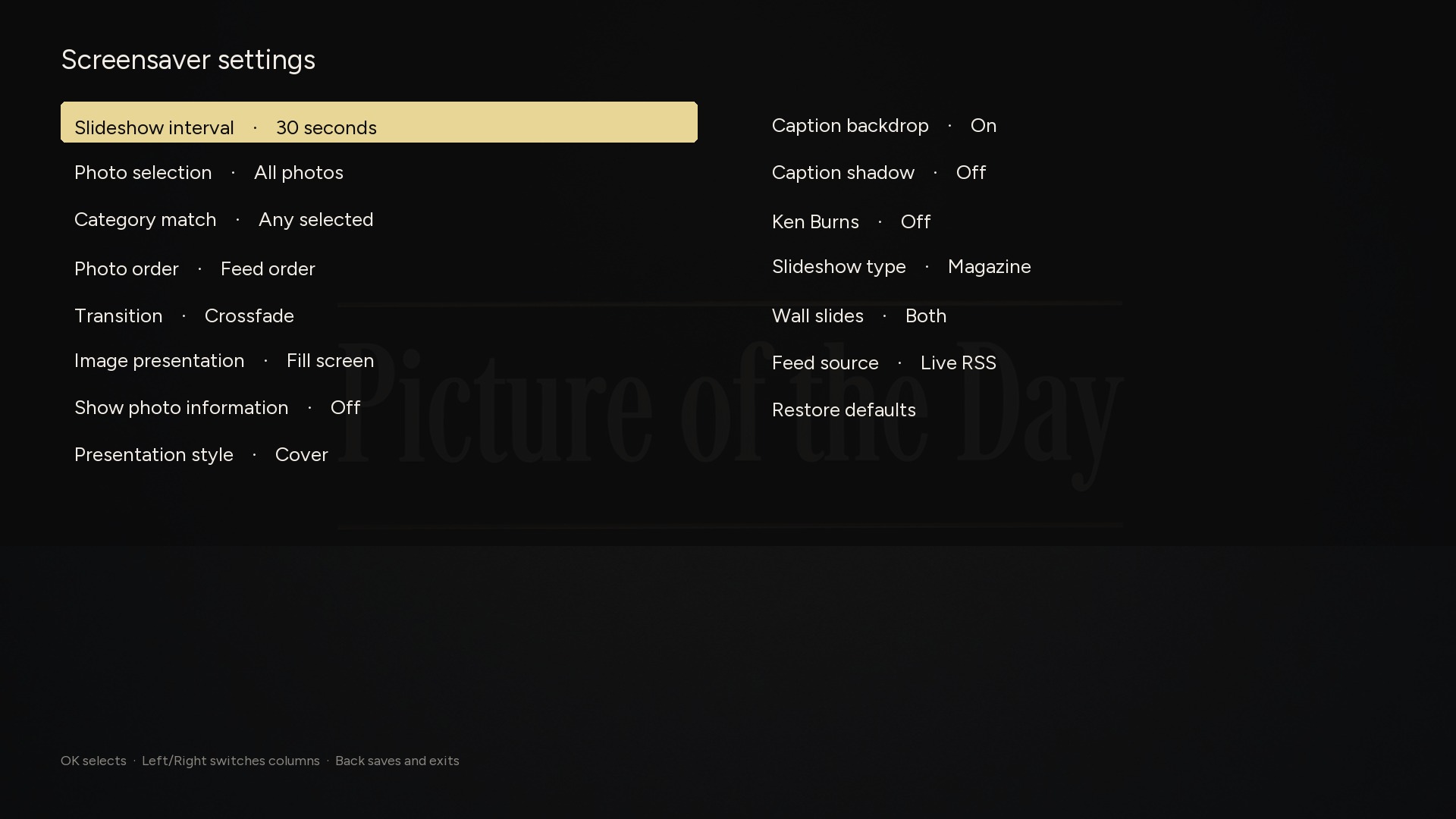
These are the frames from the screensaver itself: the magazine pages, the clock and calendar walls, the settings, and the photograph with nothing else on it.
03
Full-screen photographs, aspect kept, filled or fitted to the panel. Cross-fades between them. No menus while it runs, and no sound.
Each still stays about thirty seconds. You can set fifteen seconds, a minute, two minutes, or five. The feed refreshes on its own so a new Picture of the Day can arrive without a restart.
The feed carries the same categories as the website — sunrise, mountains, wildlife, forests, and the rest. Show every photograph, or only the moods you want.
Leave the picture bare, or let a magazine caption sit on it: cover, corner, ledge, quote, or a split page. The website’s calendar and analog clock can take a turn beside the still.
04
Open Settings, then Theme, then Screensavers. Search for Picture of the Day, install it, and set it as the screensaver. Any key on the remote brings the television back.
Installation steps